

Unify Engineering, Manufacturing & the Enterprise on a Single Digital Thread
Siemens Teamcenter PLM Software & Services
Teamcenter connects data, people, and processes to drive innovation, increase visibility, and reduce complexity across the entire product lifecycle.
Empower Teams with Connected Product Innovation
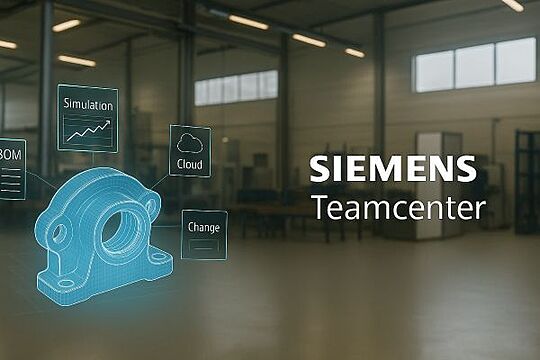
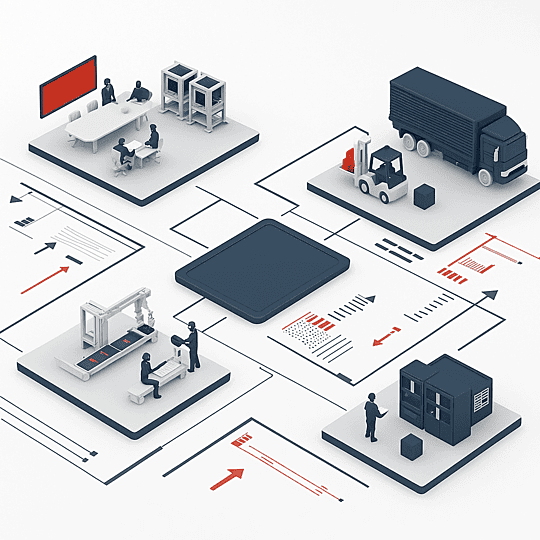
Teamcenter is Siemens’ flagship Product Lifecycle Management (PLM) platform connecting requirements, CAD, BOMs, documents, simulation, manufacturing, and service data in one secure, scalable system. Whether deployed on‑premises or in the cloud, Teamcenter turns fragmented information into a traceable digital backbone that accelerates innovation, eliminates errors, and drives profitable growth.
Key Capabilities
| Capability | What It Does for You |
|---|---|
| Multi‑CAD Data Management | Manage NX, SolidWorks, Creo, CATIA, and more in a single vault—no data silos. |
| Flexible BOM Management | Synchronize engineering, manufacturing & service BOMs with automated change control. |
| Process & Change Workflow | Out‑of‑the‑box workflows for ECR/ECN, NPDI, and ISO compliance—fully configurable. |
| Visualization & AR/VR | JT‑based 3D markup, virtual reviews, and immersive work‑instructions without native CAD. |
| Simulation Management | Link CAE results to design decisions; enable traceability from requirements to validation. |
| Secure Supplier Collaboration | Role‑based portals for controlled data exchange and faster sourcing cycles. |
| Cloud‑Native Options (Teamcenter X) | SaaS PLM with automatic upgrades, elastic scaling, and zero local IT footprint. |
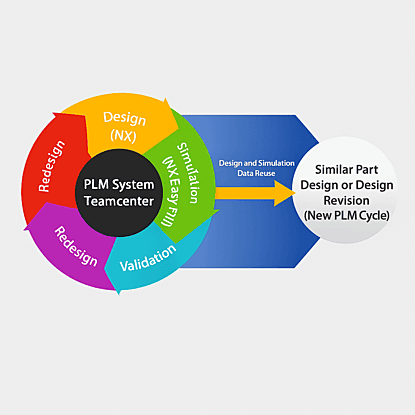
Plan for Performance and Profitability
- Requirements Engineering
- Model-Based System Engineering
- Bill of Material (BoM) Management
- Product Configuration
- PLM Process Management
- Product Cost Management
- Teamcenter Quality & Manufacturing
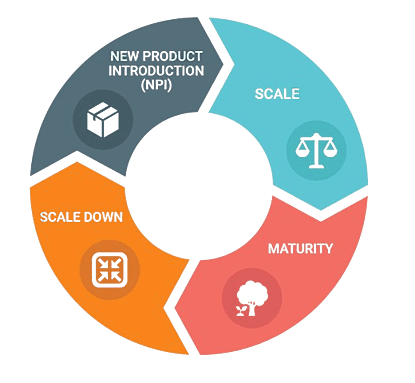
Develop Across Departments and Domains
- Mechanical Design Management
- Electronics & Electrical CAD
- Software Design
- Product Visualization and Simulation
- Technical Publishing
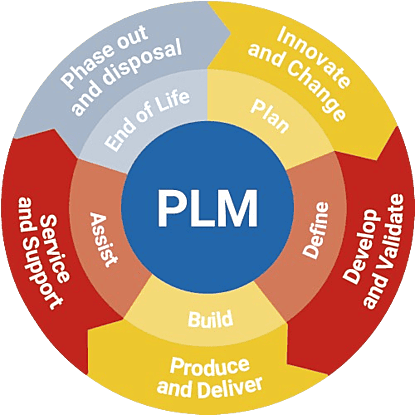
Deliver Product Visibility and Insight
- PLM Analytics
- Sustainable Product Development
- Supplier & Compliance Management
- Manufacturing Process Planning (MPP)
- Service Life-Cycle Management (SLM)
Succeeding Together
Our Services & Key Benefits
ProductSpace · Expert guidance
Teamcenter implementation for a connected product lifecycle
Siemens Teamcenter is product lifecycle management software that connects product data, engineering teams and business processes. ProductSpace helps manufacturers plan and implement Teamcenter, migrate product data, connect enterprise systems and support users in the United States, India and the United Arab Emirates.
Plan your next step
- Identify the CAD files, bills of materials, documents and change workflows that Teamcenter must manage. Agree on ownership, access and approval rules before configuration.
- Plan data migration and integrations together. Define which system owns each part, BOM and attribute, then test mappings, revisions and error handling before production use.
- Compare deployment options and operational responsibilities. Teamcenter X is a Siemens SaaS offering; Teamcenter360 is ProductSpace’s managed cloud-hosting service.
- Include role-based training, administration and support in your rollout plan so engineering and manufacturing teams can use consistent product information.
Frequently asked questions
What does Teamcenter manage?
Teamcenter manages product information such as CAD data, bills of materials, documents and engineering changes. It connects that information with the people and processes involved in development, manufacturing and service.
How does ProductSpace help with Teamcenter?
ProductSpace provides Teamcenter strategy, implementation, data migration, customization, integration, training and administration services. Project scope depends on your existing systems, data and business workflows.
What is the difference between Teamcenter X and Teamcenter360?
Teamcenter X is Siemens’ software-as-a-service PLM offering. Teamcenter360 is ProductSpace’s managed cloud hosting for Teamcenter. Compare licensing, configuration needs and operational responsibilities before choosing.
Can Teamcenter connect to ERP?
Teamcenter can be integrated with ERP to exchange product and manufacturing information. ProductSpace offers PLM-to-ERP integration services and the pSIM integration platform; the required data mappings and workflows are defined for each project.
Latest Blogs
Loading the latest PLM articles…