


When evaluating NX X, start with your engineering workflows and deployment requirements. Review the design capabilities your team needs, the way users collaborate, and the responsibilities for licensing, administration and data management. Compare the proposed configuration with your current NX environment and validate important workflows before planning a rollout.
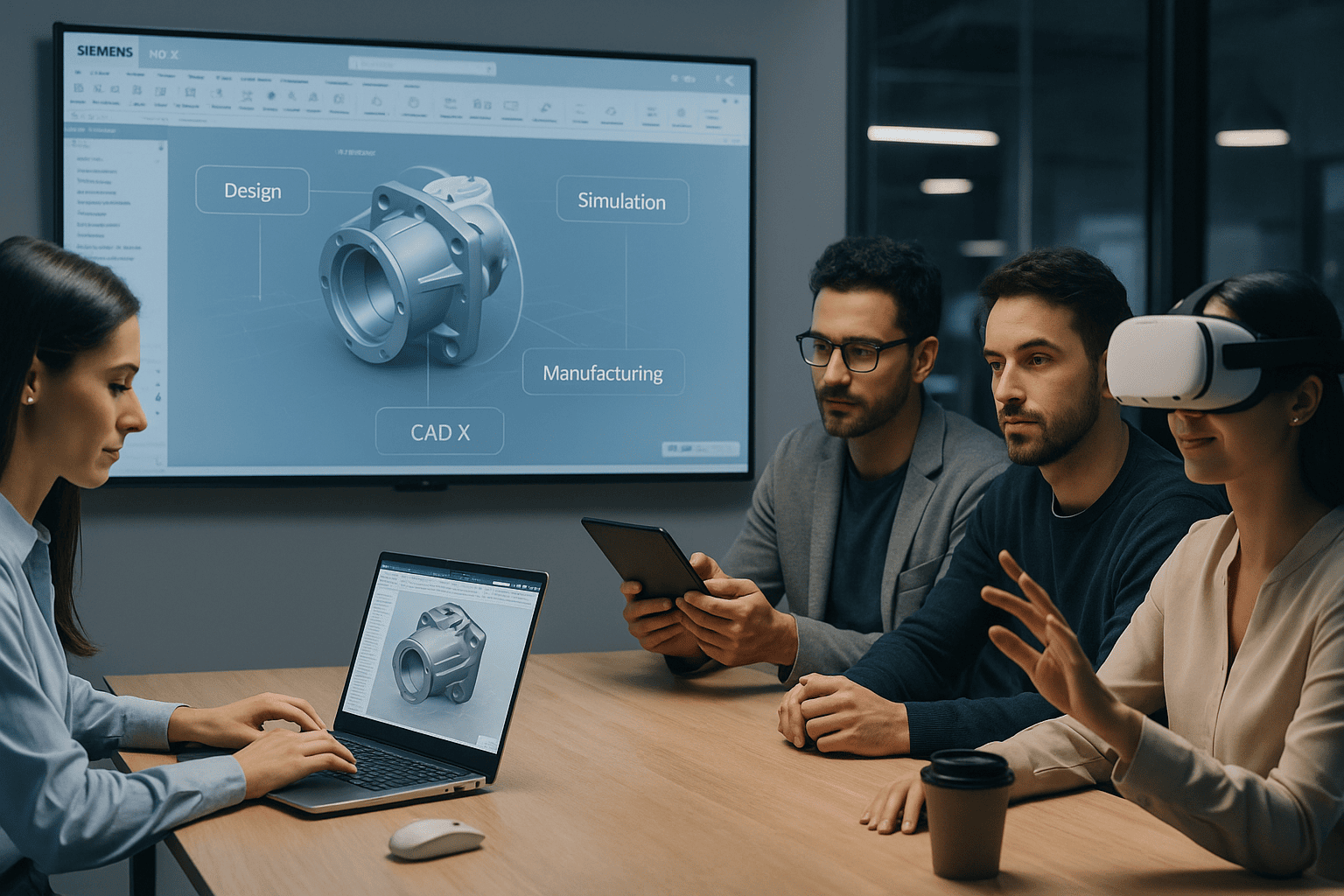
This isn’t just CAD in the cloud — this is the full Siemens NX engineering suite, now delivered as a flexible, scalable SaaS solution. Whether you're designing, simulating, manufacturing, or collaborating across teams, NX X eliminates the friction and elevates your innovation.
What Is NX X?
NX X is NX — just delivered smarter. It’s Siemens’ cloud-based product engineering platform built on the same powerful NX architecture that teams have relied on for decades. The difference? Now it’s available anywhere, updates automatically, and scales effortlessly with token-based licensing and built-in Teamcenter-based data management.
Delivered as SaaS or installable locally
Enterprise-grade security and real-time collaboration
Integrated with Teamcenter or used standalone
Why Engineering Teams Are Moving to NX X
Here’s what companies are gaining with NX X:
No compromises: Run full NX on your desktop, in your browser, or through streaming.
Zero maintenance: Siemens handles updates, security, and backups.
AI-powered assistance: Let the Design Copilot accelerate tedious tasks.
Built-in data control: Manage check-ins, revisions, and comments — without leaving the design window.
Flexible token licensing: One subscription unlocks 100+ NX tools on-demand.
Legacy Tools Are Holding You Back
If you’re struggling with:
Long upgrade cycles
CAD file silos or duplicated effort
High IT overhead
Difficulty onboarding new engineers
Manual exports for simulation or manufacturing
…then NX X was built for your workflow.
While other tools (like SolidWorks, Creo, or Onshape) require patchwork integrations or compromise on features, NX X provides one unified, open environment. And yes — it integrates with other PLM systems, not just Teamcenter.
Is NX X Right for You?
You have 25–5,000 employees
You’re looking to consolidate tools or migrate to the cloud
You want to reduce costs while gaining scalability
You need secure collaboration across teams or suppliers
You’re tired of waiting for yearly updates to unlock innovation
Ready to Explore NX X for Yourself?